
Key Features of Microsoft 365

AI technology boosts productivity*

Includes Office applications

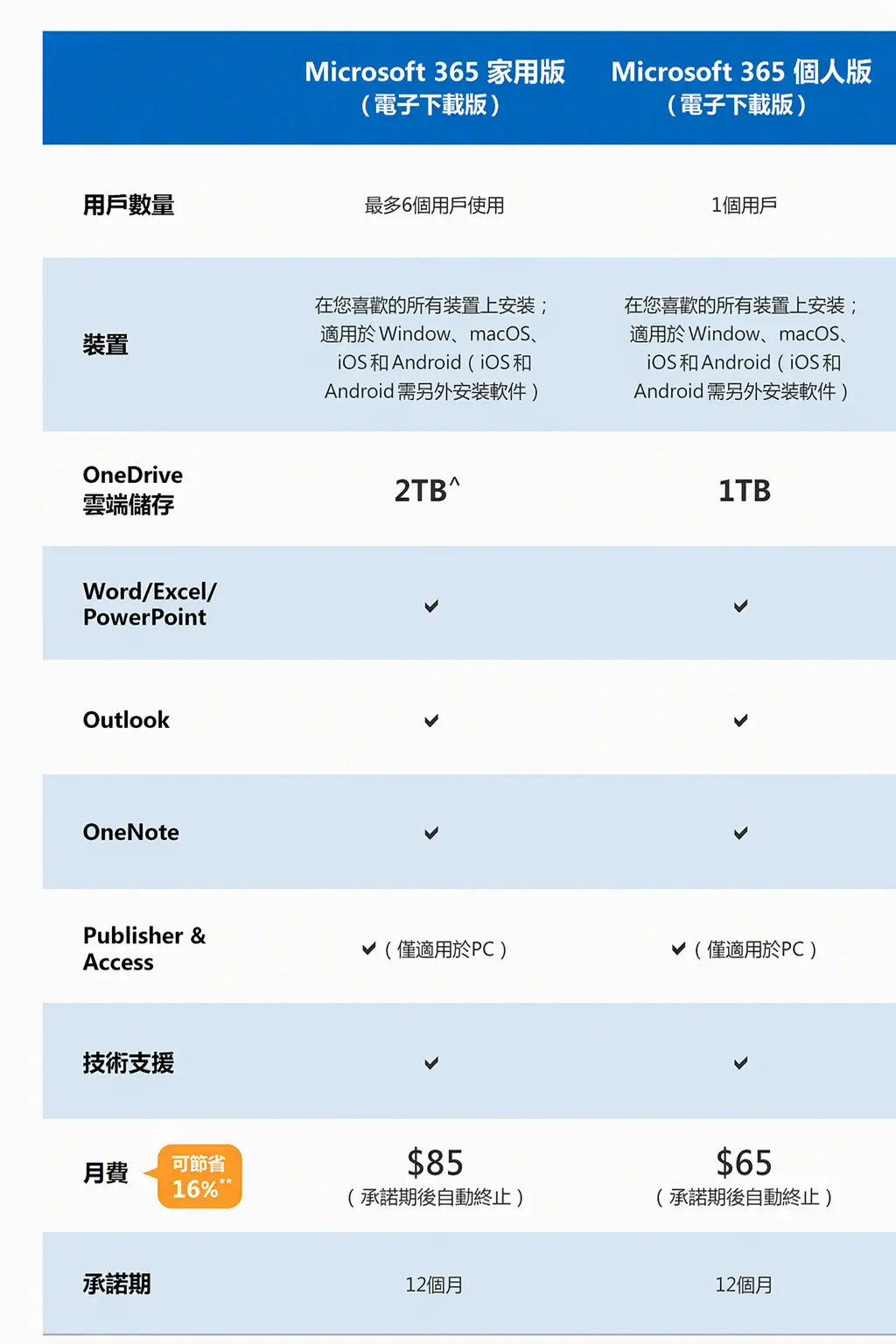
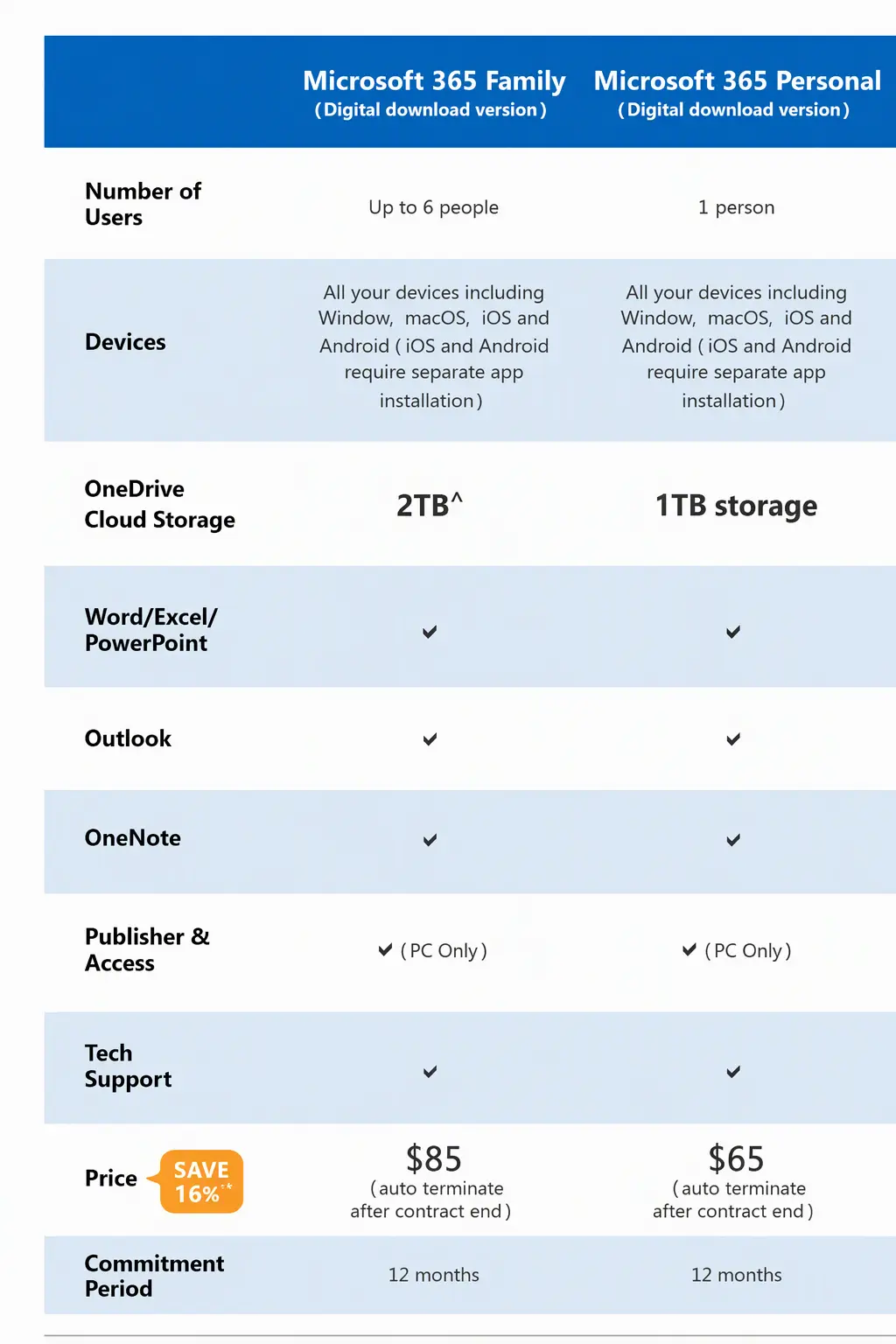
Supports subscription sharing
for up to six users*

Up to 2 TB of shared cloud storage^
New Copilot Features in Microsoft 365
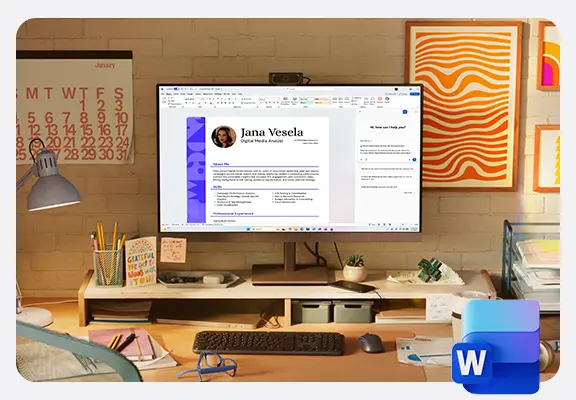
Copilot in Word:
Intelligent Content Generation and Visualization
Easily generate document titles and content with simple commands. Upload data for summarization, key points, or new content. It can also rewrite as needed and create optimized visualizations.
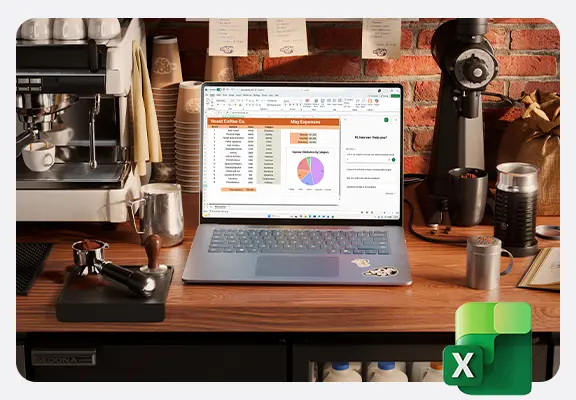
Copilot in Excel:
Data Analysis and Visualization
Enter commands to summarize and analyze data, visualizing it as charts without needing complex formulas.
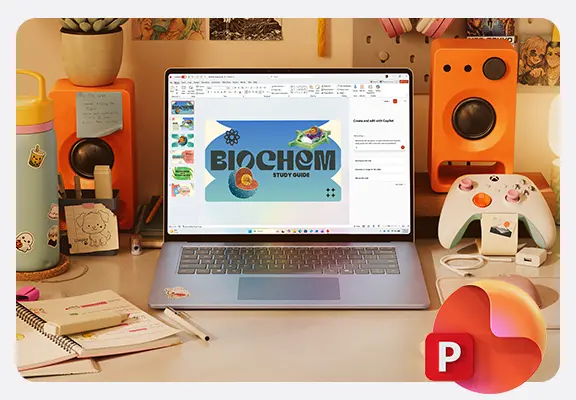
Copilot in PowerPoint: Intelligent Content and Layout Generation
Input commands for content, audience, and style to automatically generate relevant citations and images. Optimize the layout for more efficient PPT creation.
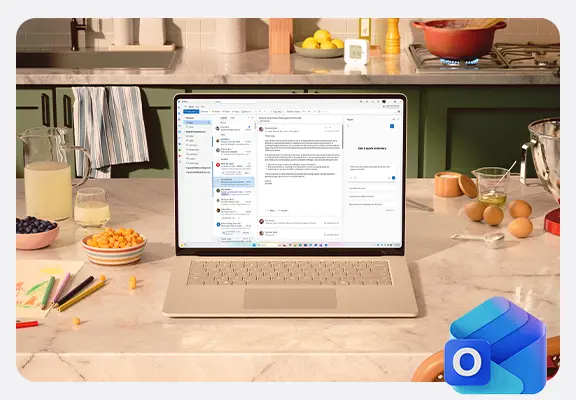
Copilot in Outlook:
Email Generation, Rewriting, and Summary Analysis
Enter ideas to generate complete emails with multiple options. Adjust length and tone, support multilingual writing, and utilize the summary feature for quick key point extraction.
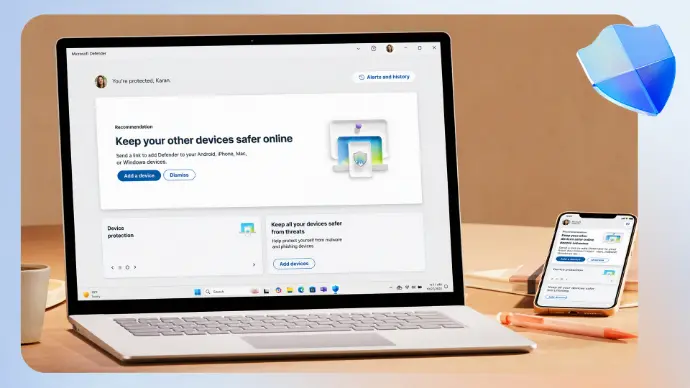
Properly Protect Your Files
Comprehensively protect your photos, documents, emails, personal information, and devices, ensuring that your cherished digital assets remain safe and secure.
Photos are for reference only.
- For information about the services included in Microsoft 365, please visit Microsoft 365 家用版 and Microsoft 365 個人版websites.
*AI features are only available to the subscription owner and cannot be shared with additional Microsoft 365 Family members, with usage limitations. Microsoft 365 Personal and Family Subscribers get 60 AI credits per month, which can be used across various applications, including Word, Excel, PowerPoint, Outlook, Forms, OneNote, Designer, Notepad, Photos, and Paint. Minimum age limits may apply to use of AI features. Details: https://aka.ms/Copilot-In-M365-FAQ
https://aka.ms/Copilot-In-M365-FAQ
^"Microsoft 365 Family " includes up to 2 TB of cloud storage, which can be shared among one to six people.
**The monthly subscription prices for the family and personal plans on the Microsoft official website are $102 and $78, respectively.
Service Process

Step 1:
A one-time activation code will be placed in your NETVIGATOR account within around 1 working day after your successful subscription. You will receive a notification via SMS or email once the code is sent&.

Step 2:
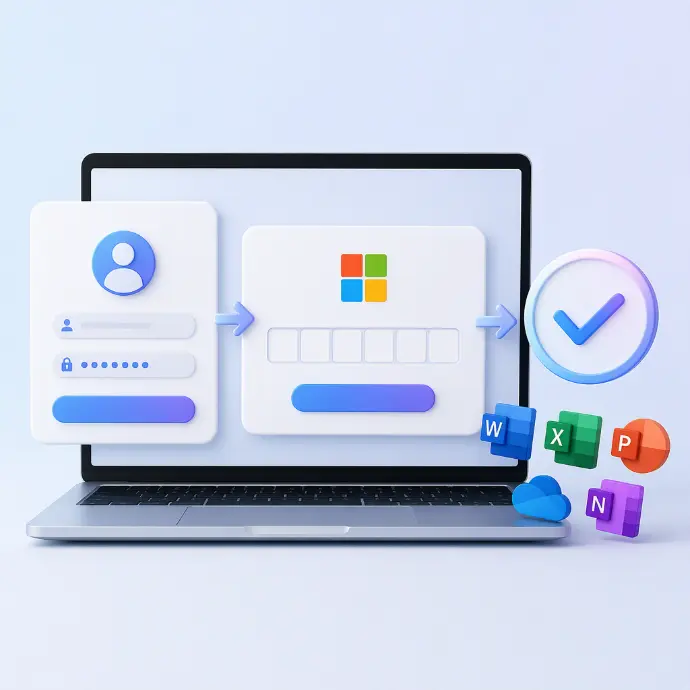
Log in to the NETVIGATOR website (cs.netvigator.com), go to the "My Redemption" page to retrieve your Activation Code&.
步驟 3:
Go to the Microsoft website (redeem.microsoft.com), sign in or create a Microsoft account, then enter your Activation Code to activate your Microsoft 365 service.
& 啟用碼自發送日起計有效期為一年。